
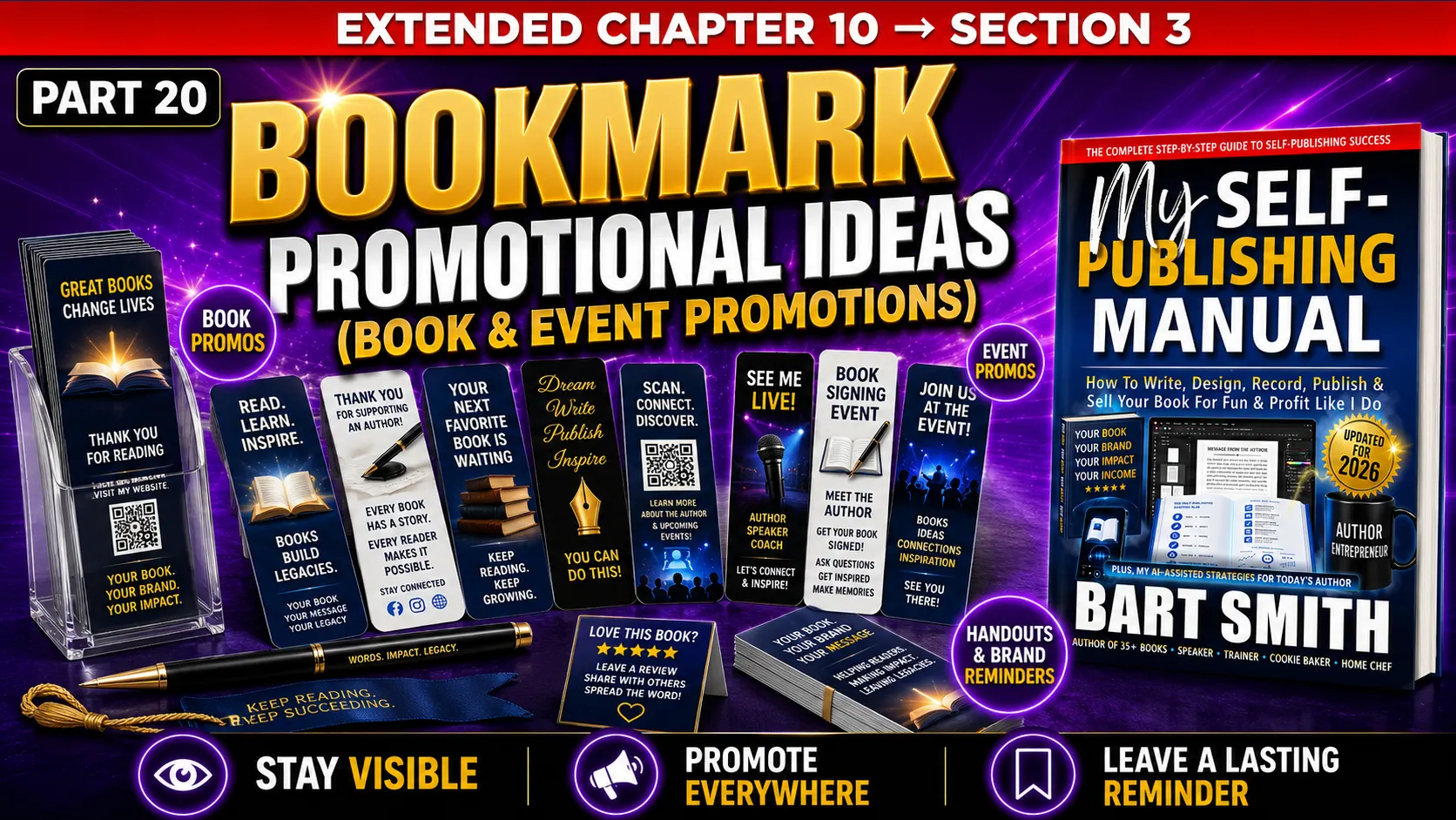
SECTION 3 → PART 20
Bookmark Promotional Ideas For Books & Events
EXTENDED BOOK CHAPTER #10 from MY SELF-PUBLISHING MANUAL by Bart Smith
INTRODUCTION & WHAT TO DO
Bookmarks are one of the simplest printed promotional tools an author can create. They are small, useful, inexpensive to print, easy to hand out, and directly connected to the act of reading.
Unlike a full-page flyer, a bookmark is not supposed to explain everything about your book. Its job is to remind people of your book, your message, your website, and the next step you want them to take.
Bookmarks are especially useful at book signings, seminars, workshops, networking events, trade shows, library events, bookstore appearances, speaking engagements, and anywhere else you might meet potential readers. You can place them on your book table, insert them inside books you sell, hand them out with flyers, include them in mailed packages, or give them to people who ask what your book is about.
A typical bookmark is narrow and tall, often around 2 inches wide by 5 to 7 inches tall, depending on how you design and print it. The exact size is up to you, but the key is to make it small enough to fit comfortably inside a book while still being large enough to read.
BOOKMARK DESIGN TIPS
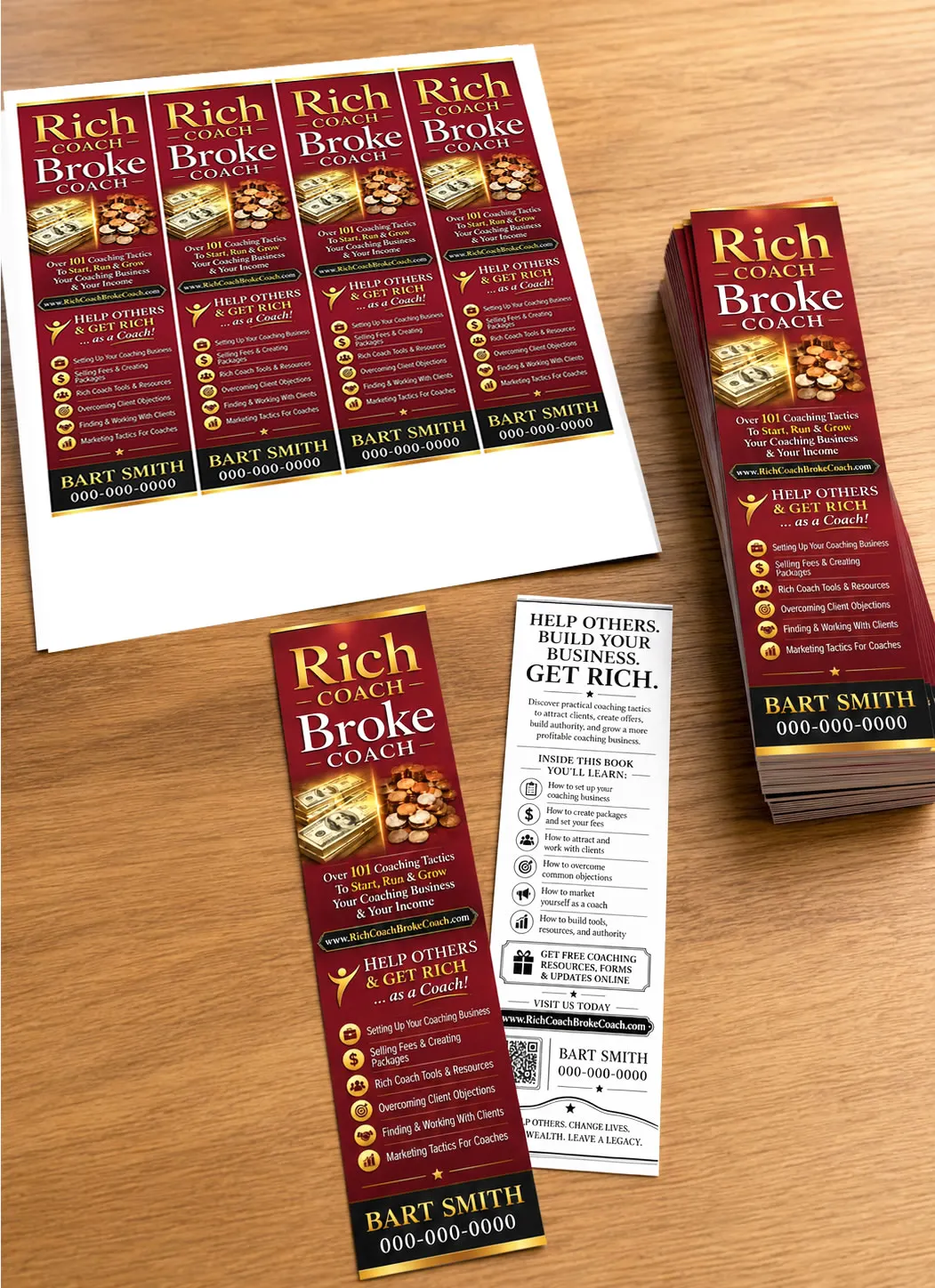
You can design bookmarks in Canva, Microsoft Word, Affinity Publisher, InDesign, or another design program. One simple approach is to create a full-size sheet and place multiple bookmarks on the page.
For example, you might place four bookmarks across one sheet of paper, depending on the size you want. Each bookmark can be cut out after printing.
For double-sided bookmarks, you will usually need one page for the front side and one page for the back side. Make sure the front and back align properly before printing a large batch. Print one test sheet first, cut it, and place it inside a book to see whether the size, spacing, and readability work.
If you are using a local print shop, ask them what bookmark size they recommend and whether they need bleed, crop marks, or margin space. If you are designing the bookmarks yourself, keep important text .25" away from the edges so nothing gets cut off.
FRONT SIDE (4-COLUMN LAYOUT)
The front side of your bookmark should grab attention quickly. It can feature your book cover, book title, author name, a strong headline, a short promise, or a visual that clearly communicates what your book is about.
For many authors, the simplest front-side design is to use the book’s front cover artwork or a simplified version of the cover. This makes the bookmark look connected to the book immediately.
You can also include a short benefit statement, such as:
⬜ Learn how to publish your book.
⬜ Build your coaching business.
⬜ Discover practical tips for better living.
⬜ Get inspired, informed, and ready to take action.
The front side should be bold, easy to read, and visually connected to the book you are promoting.

BACK SIDE (4-COLUMN LAYOUT)
The back side of your bookmark can carry more information. This is where you can include a short book description, bullet points, your website address, QR code, phone number, author name, interview availability, event information, or a simple call-to-action. For example, the back side might include:
⬜ A short description of the book
⬜ 3 to 6 bullet points about what readers will learn
⬜ Your author website
⬜ A QR code that sends people to the book page
⬜ Your phone number or contact information
⬜ A free chapter or bonus offer
⬜ A reminder to buy the book, visit your site, etc.
If you are printing in color on the front side and black-and-white on the back side, keep the back clean and simple. Black text on a white background is easier to read and can help lower printing costs.

CLOSING THOUGHTS
Bookmarks are small, but they can still be powerful. They are affordable, useful, easy to carry, easy to give away, and naturally connected to books and reading.
If you are promoting your book offline, create a bookmark that looks professional, explains the value of your book quickly, and points people back to your website, book page, free excerpt, or ordering information.
A well-designed bookmark can sit on a table, ride home inside a book, get handed to a new contact, or quietly remind a potential reader to look you up later. That makes it a simple but smart promotional tool every author should consider using.
CHECK OUT OTHER BOOK MARKETING LESSONS
← PREVIOUS LESSON (PART 19)
MAIN BOOK MARKETING HUB
FIRST LESSON (PART 1) →

© BartSmith.com | All Rights Reserved
Website Design & Marketing by Bart Smith