
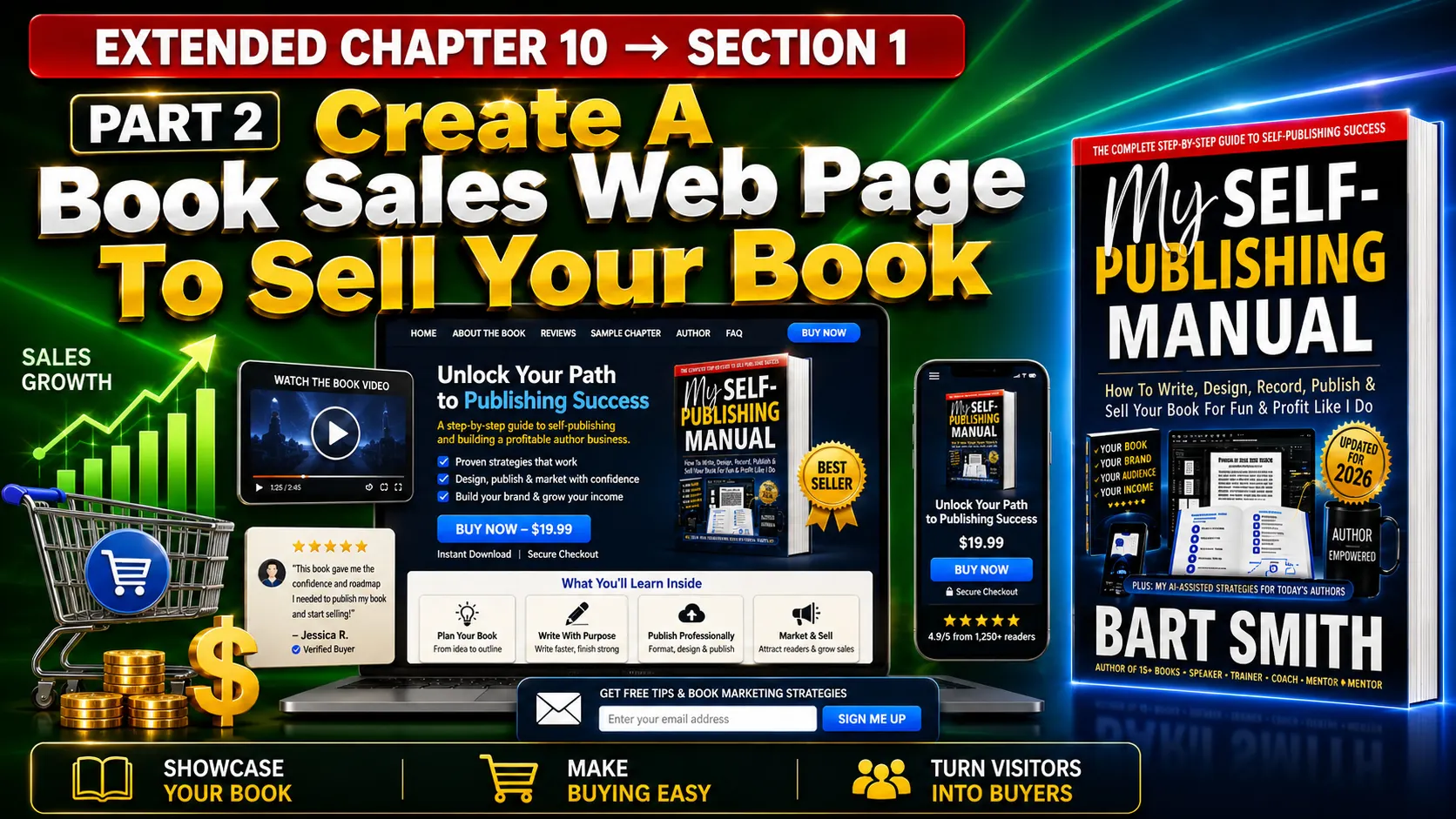
SECTION 1 → PART 2
Create A Book Sales Web Page To Sell Your Book
EXTENDED BOOK CHAPTER #10 from MY SELF-PUBLISHING MANUAL by Bart Smith
INTRODUCTION & WHAT TO DO
1. Your book needs more than just a standard Amazon.com (or other) listing; it requires a dedicated, high-converting book sales web page on your own website that clearly explains what the book is about, who it is for, what readers will learn, and why they should care.
2. A highly effective sales page does not have to be overly complicated, but it must be meticulously organized to serve as your book’s premium online showroom. Instead of forcing visitors to navigate away, guess what is inside, or wonder if the material truly applies to them, your page should answer their biggest questions, build absolute buyer confidence, showcase your physical product, and provide multiple opportunities to purchase.
3. You can review over 30+ live examples of this exact structural blueprint in action by heading straight over to:
... and clicking on any title in the catalog. Exploring those book sales pages will show you exactly how to weave in the book's core promise, clear format options, high-resolution cover previews, and video book tours.
4. They also systematically detail the book's table of contents, key takeaways, target demographics, free excerpts, and real reader testimonials. By concluding the page with a personal message from the author and strategically placing repeated order buttons all throughout the layout, you create a seamless, low-friction sales engine that converts casual traffic into paying customers on the spot.
5. Below, I’ve simply outlined what you need to build and in the order to build it, per row. Look at any of my book sales pages, copy them, follow the checklist and check off each block as you accomplish building your book sales web page.
BOOK SALES PAGE CHECKLIST
Use the following simple checklist to guide you or your webmaster seamlessly through the entire book sales web page design process, ensuring every element is optimized to maximize your sales. What’s more, think of each row as a sales checkpoint: show the book, explain the value, build trust, answer questions, and give the reader another easy chance to buy.
TOP ROW #1 (3 COLUMNS)
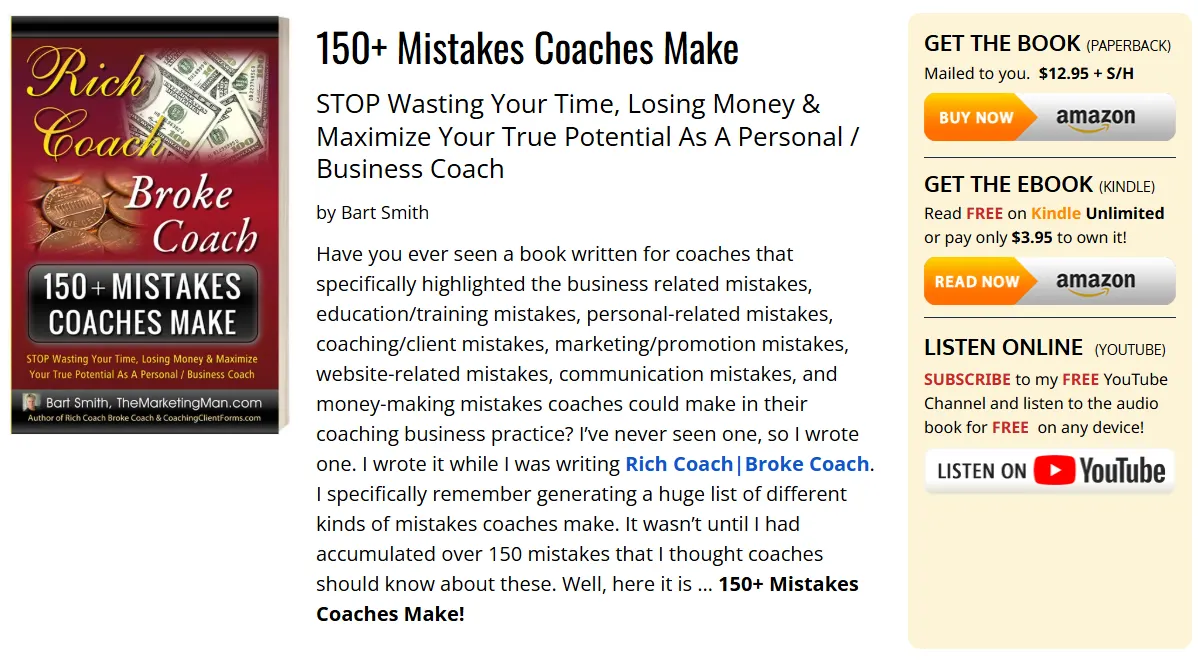
All my book sales web pages have 3 columns at the top, which contain the following:
⬜ FAR LEFT COLUMN #1
Book cover image(s) — Showcase the front cover of your book and the back too if you have room beneath the front cover.
⬜ MIDDLE COLUMN #2
Book title, subtitle, author’s name and a short, 3-5 sentence description. — This information goes in the center column. Have different font sizes for the title, subtitle and then the author’s name and book description.
⬜ FAR RIGHT COLUMN #3
Amazon.com (or other) buy buttons. — Here’s where you give book buyers quick access to how they can buy your book. I used familiar Amazon.com buy buttons for book buyers to click on. Save them to your computer and use them for your book sales web page.
Here's what they look like on a typical book sales web page:
ROW #2
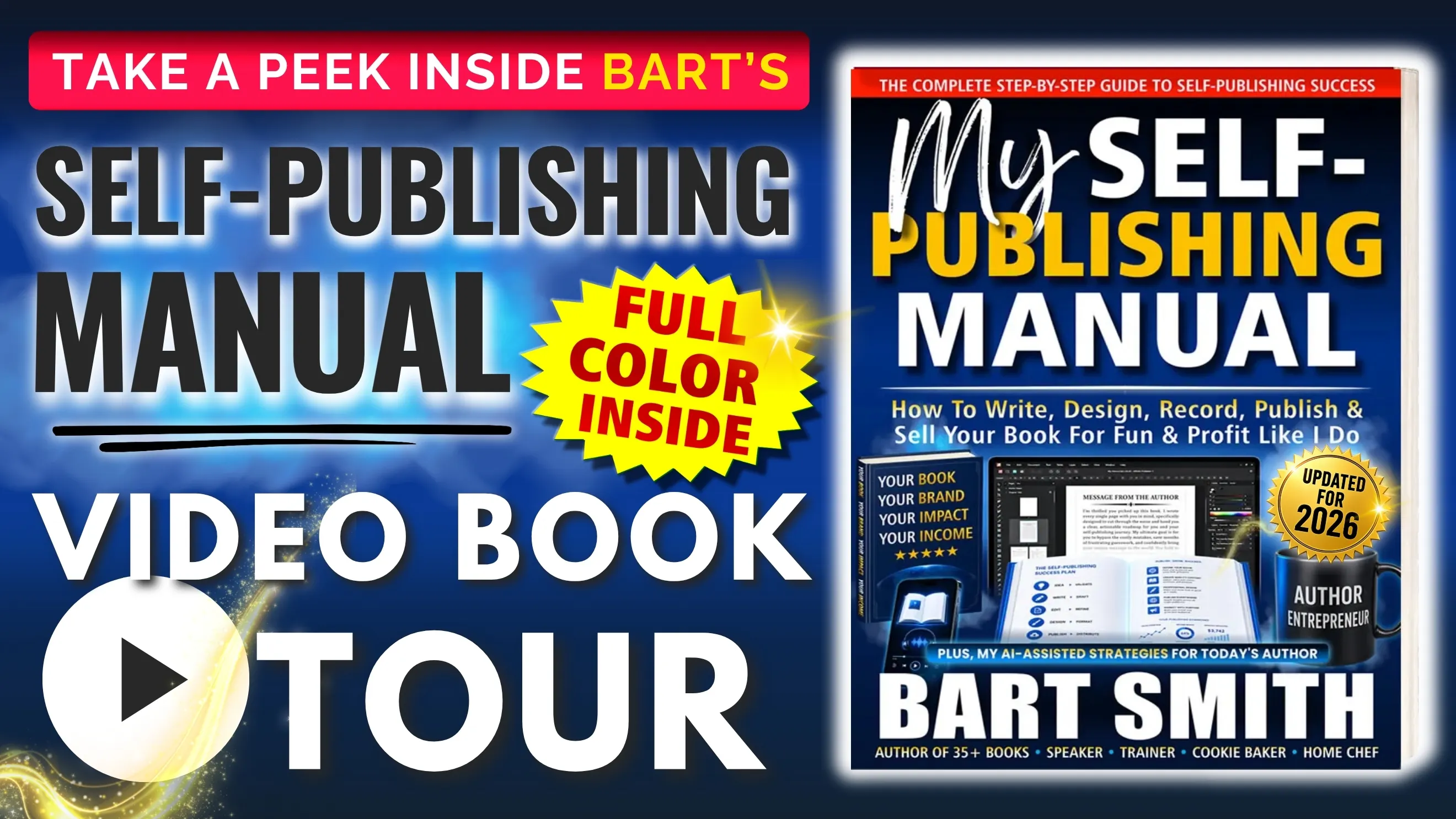
⬜ Book Video Preview — Here’s where we show the prospective buyer a fancy, 1-10 minute video tour of your book; the inside pages, the covers, you holding the book, you talking about the book, you answering a few questions about the book, showcasing a few video testimonials, and even showing folks how to buy the book and available formats.
ROW #3
⬜ What You Will “Learn” (or) “Walk Away With” — In a bullet-list format, list what book buyers will learn when they buy your book. You can see a sample on my 21+ Ways To Spy On Your Competition sales page.
ROW #4 (OPTIONAL)
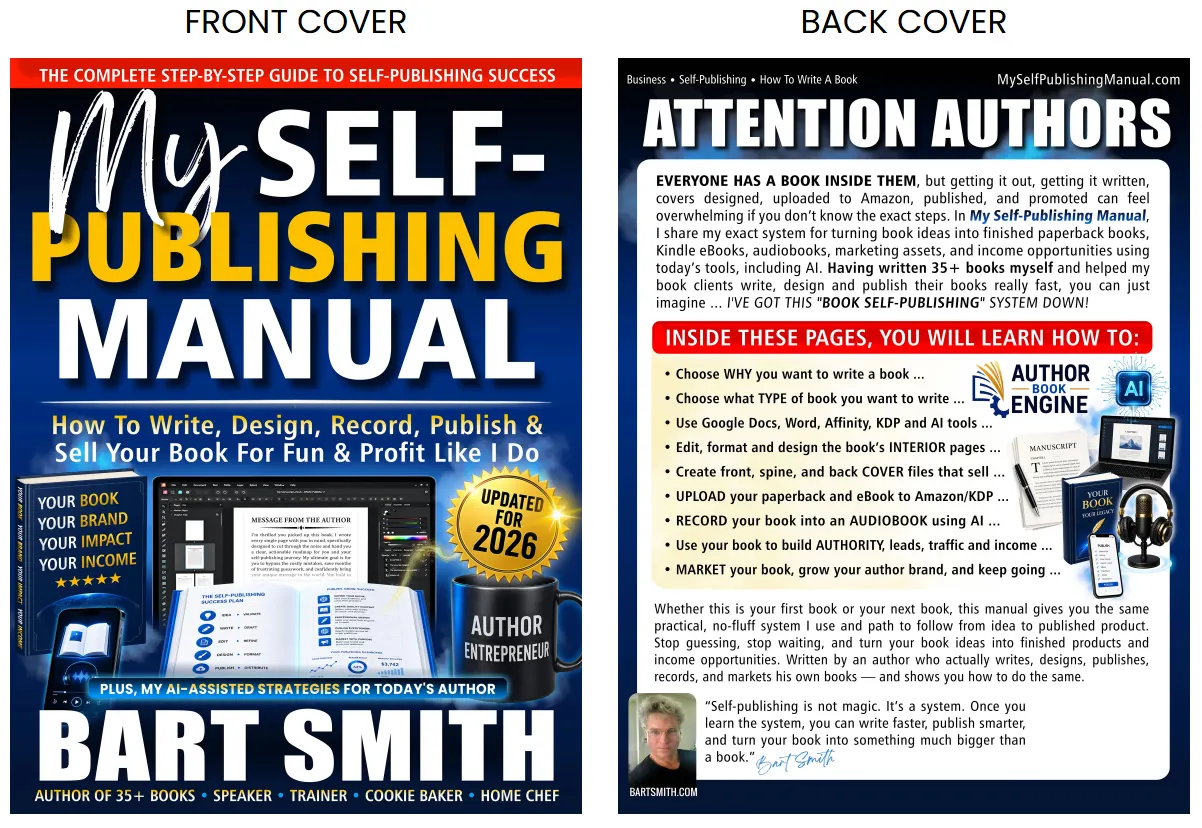
⬜ Large Front + Back Cover Images — Showcase large images of the FRONT and BACK book covers, side-by-side in a 2-column spread. This can be impressive upon first glance and really get the people excited to hold the book in their hands. These should be large images, high-resolution, and clickable (i.e., link to Image Address) to open up to view the larger version.
ROW #5
⬜ Book Contents — This is where we list the Table Of Contents and what’s inside the book. If the table of contents isn’t too long, I’ll have that listed in the left column and the book cover in the right column in a 2-column spread. If the table of contents is longer than 10 chapters, I’d split the table of contents into 2-columns with 50% of the table of contents listed in the first column and the remaining 50% in the second column. See multiple book sales page examples on my website where I do this. You can see a sample of this on any of my books sales pages.
ROW #6
⬜ Interior Book Page Screenshots — If the book has a number of pictures in it, why not take screenshots of those pages and showcase them on your book’s sales website. Those images can leave wonderful impressions on your potential book buyers who might say, “Wow, that’s inside the book? I definitely want to get this book.” You can see a sample of this and screenshots of the inside pages of My Self-Publishing Manual.
ROW #7
⬜ Book Excerpts — Here’s where you could provide any number of book excerpts to give folks a sample reading of what’s inside your book. Provide them on this page or link to another page where you will post those excerpts, which also might serve as book articles for your website of course, then link back to the book for sale. You can sample book excerpts on my Rich Coach Broke Coach book many other books.
ROW #8
⬜ Rave Reviews (Book Testimonials) — Here’s where you’ll place any number of book testimonials from folks who have read your book and love it. Two is a nice minimum number to have when it comes to posting reviews on your book sales web page. If you don’t have any yet, ask early readers, clients, colleagues, friends, or family members who have actually read the book to provide an honest review. State their name like this: Joe S., Las Vegas, NV. Never state their last name; just their last name initial to protect their privacy. Show where they’re from to show a growing number of book fans across the country, and soon, the world. You can see sample Rave Reviews on my cookbook sales page for Who's Hungry?
ROW #9
⬜ Message From The Author — Here’s where you can wrap things up and talk about why you wrote the book, who the book is for, and anything you’d like the potential book buyer to know about you and the book. You can find this section on all my book sales pages.
ROW #10
⬜ Closing Statement “What Are You Waiting For?” — Here’s where you close up the page with the final BUY BUTTON that simply takes them to the top of the book sales web page where they are reintroduced to the Amazon.com (or other) buy buttons.
CLOSING THOUGHTS & YOUR EXECUTION PLAN
A strong book sales web page does not have to be complicated, but it does need to do its job. Show the book clearly, explain why it matters, help visitors understand what they will get from it, build trust with previews and testimonials, and make buying easy from top to bottom. When your page is laid out properly, it becomes more than a place to park a cover image and a buy link — it becomes a 24/7 book salesperson that can educate visitors, answer their questions, and move them one step closer to buying your book. Again, you can review any of my book sales web pages by visiting my website and clicking on the book covers you see.
Click through a few examples and notice how each page is designed a little differently based on the book’s topic, audience, content, visuals, and overall purpose.
CHECK OUT OTHER BOOK MARKETING LESSONS
← PREVIOUS LESSON (PART 1)
MAIN BOOK MARKETING HUB
NEXT LESSON (PART 3) →

© BartSmith.com | All Rights Reserved
Website Design & Marketing by Bart Smith